DriveHub Guides

Google Drive and WordPress integration tutorials, file-management workflows, and practical guides for DriveHub users.

How to use Google Drive files in WordPress with Google Drive files displayed on a WordPress website

DriveHub Guides

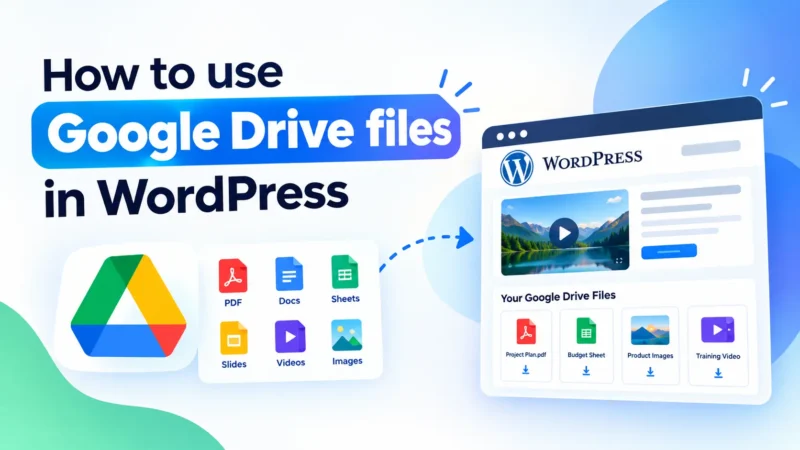
How to Use Google Drive Files in WordPress (Easiest Method)

If you already store documents, images, videos, PDFs, or other resources in Google Drive, you may want to use those files directly on your WordPress website without downloading and uploading every file again. The good news is that you can use Google Drive files in WordPress in several ways. You can embed individual documents, create […]

Omar Yazid 14 min read
How to Embed Google Drive Video in WordPress

DriveHub Guides

How to Embed Google Drive Video in WordPress (Easy Guide)

Embedding large videos directly into your WordPress website can consume hosting storage, increase bandwidth usage, and make video-heavy pages harder to manage. One alternative is to store your videos in Google Drive and display them on your WordPress website. But how do you embed a Google Drive video in WordPress without dealing with complicated embed […]

Omar Yazid 11 min read
How to Embed Google Drive PDF in WordPress

DriveHub Guides

How to Embed Google Drive PDF in WordPress

Want to embed Google Drive PDF in WordPress without uploading the file to your WordPress media library? You can display a PDF stored in Google Drive directly on your WordPress website using DriveHub. This lets visitors view documents such as eBooks, reports, brochures, manuals, and forms directly from your website. In this guide, you’ll learn […]

Omar Yazid 10 min read
How to integrate Google Drive with WordPress

DriveHub Guides

How to Integrate Google Drive with WordPress: Step-by-Step Guide

Quick Answer:To integrate Google Drive with WordPress, install the DriveHub plugin, go to its settings, click Connect Account, and sign in with Google. Once connected, you can embed Drive files, display image and video galleries, create file browsers, and add upload forms to any page or post.Files stay in Google Drive and are never copied to […]

Omar Yazid 12 min read