5 Best WordPress Meeting Plugins for Zoom, Google Meet & Video Calls (2026)
Choosing a WordPress meeting plugin sounds simple until you actually compare them. Some are excellent if you only use Zoom. Others are built around Google Meet or Jitsi. And a few bring several meeting platforms into one WordPress workflow.
If you want the short answer: MeetingHub is our top overall pick for 2026 if your site needs multiple conferencing platforms. It supports Zoom, Google Meet, Jitsi Meet, Webex, and Microsoft Teams from one WordPress plugin. If you only use one provider, a focused plugin can be a better fit.
Updated August 26, 2026: We re-checked the current plugin listings, platform coverage, WordPress integrations, and product positioning used in this comparison.
This guide compares five strong WordPress meeting and webinar plugins for online classes, coaching, consultations, appointments, paid sessions, webinars, LMS websites, and virtual events. We also include ZooMeet as a bonus Zoom-first alternative.
Quick picks: the best WordPress meeting plugins in 2026
- Best overall: MeetingHub
- Best multi-platform video conferencing plugin: MeetingHub
- Best established Zoom plugin: Video Conferencing with Zoom
- Best Zoom-first alternative: ZooMeet
- Best established Zoom webinar alternative: eRoom
- Best Jitsi Meet plugin: FlexMeeting
- Best Google Meet plugin: GoodMeet
The main decision is simple: if your site may use more than one meeting provider, start with a multi-platform plugin. If you know you will stay with Zoom, Google Meet, or Jitsi, a dedicated plugin usually gives you a cleaner setup.
Best WordPress meeting plugins at a glance
| Plugin | Best for | Platforms | Why it stands out |
|---|---|---|---|
| MeetingHub | Best overall / multi-platform | Zoom, Google Meet, Jitsi Meet, Webex, Microsoft Teams | One WordPress workflow across several major meeting providers |
| Video Conferencing with Zoom | Established Zoom users | Zoom | Mature Zoom meeting, webinar, recording, and reporting workflow |
| eRoom | Zoom-first meetings and webinars | Zoom; Google Meet and Microsoft Teams via premium features | Established Zoom-centered option with additional platform support |
| FlexMeeting | Jitsi meetings and embedded webinars | Jitsi Meet, JaaS | Strong embedded meeting and Jitsi-focused workflow |
| GoodMeet | Google Meet + Google Calendar | Google Meet | Focused Google Meet scheduling and WordPress integration |
| Bonus: ZooMeet | Zoom-first alternative | Zoom | Dedicated Zoom workflow with booking, LMS, reporting, Elementor, and Gutenberg support |
1. MeetingHub — best overall WordPress meeting plugin
MeetingHub is the most flexible option in this comparison if your WordPress site needs to work with multiple conferencing platforms. Instead of maintaining separate plugins for Zoom, Google Meet, Jitsi Meet, Webex, and Microsoft Teams, MeetingHub brings supported workflows into one dashboard.
That makes it especially useful for businesses with different client preferences, online schools using more than one meeting platform, marketplaces with independent vendors, or sites that do not want to rebuild their meeting setup later when their conferencing stack changes.
Best for: businesses, educators, coaches, agencies, membership sites, WooCommerce stores, LMS websites, and multivendor marketplaces.
- Create and manage supported meetings from WordPress
- Use Zoom, Google Meet, Jitsi Meet, Webex, and Microsoft Teams
- Display meetings with Gutenberg blocks, shortcodes, and supported Elementor workflows
- Connect meeting workflows with WooCommerce
- Integrate live sessions with supported LMS platforms
- Support recurring meetings, registrations, recordings, reports, and provider-specific options where available
- Use supported Google Calendar scheduling workflows
- Support vendor-owned meeting credentials in selected multivendor integrations
Why we rank it first: MeetingHub solves a broader problem than most plugins on this list. It is not simply a Zoom plugin or a Google Meet plugin. It is designed for sites that want one WordPress meeting workflow across several providers.
Where it may not be ideal: if you only need one provider and want the fewest possible settings, a dedicated plugin will usually feel simpler.
You can also see the MeetingHub vs other WordPress meeting plugins comparison.
2. Video Conferencing with Zoom — best established Zoom plugin
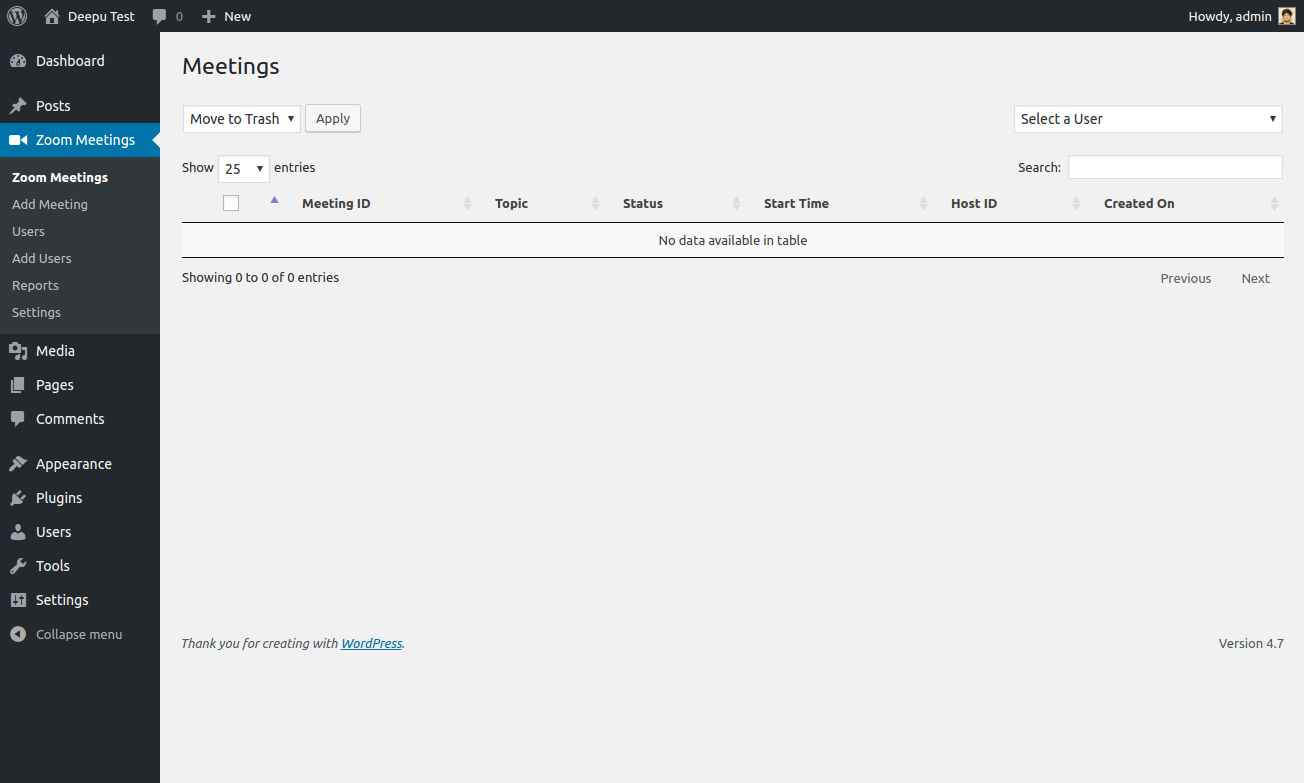
If your organization is already committed to Zoom, Video Conferencing with Zoom is one of the most established options available for WordPress. Its strength is not breadth; it is depth around Zoom.
You can manage Zoom meetings, webinars, recordings, reports, and users from WordPress, which makes it a strong fit for teams that do not need Google Meet, Jitsi, Webex, or Microsoft Teams in the same plugin.
Best for: businesses, webinar hosts, educators, and organizations already standardized on Zoom.
- Manage Zoom meetings from WordPress
- Support Zoom webinar workflows
- Access recordings and reports
- Create and manage supported Zoom users
- Display Zoom meeting information on your site
Where it may not be ideal: if you expect to add other meeting providers later, you may prefer a multi-platform plugin from the beginning.
3. eRoom — established Zoom-first meeting and webinar plugin
eRoom is another established option for Zoom meetings and webinars. Its current listing is still heavily centered on Zoom, while Google Meet and Microsoft Teams are available through premium functionality.
This makes eRoom a practical middle ground for users who want a mature Zoom-centered workflow but may want additional conferencing options later.
Best for: Zoom-first organizations that value an established plugin and may later expand into Google Meet or Microsoft Teams.
- Create and manage Zoom meetings from WordPress
- Support Zoom webinar workflows
- Display meetings with shortcodes
- Manage supported Zoom users and reporting
- Add Google Meet and Microsoft Teams through available premium integrations
Where it may not be ideal: if your site needs several meeting platforms from day one, check which integrations require paid add-ons before committing.
4. FlexMeeting — best Jitsi Meet plugin for WordPress
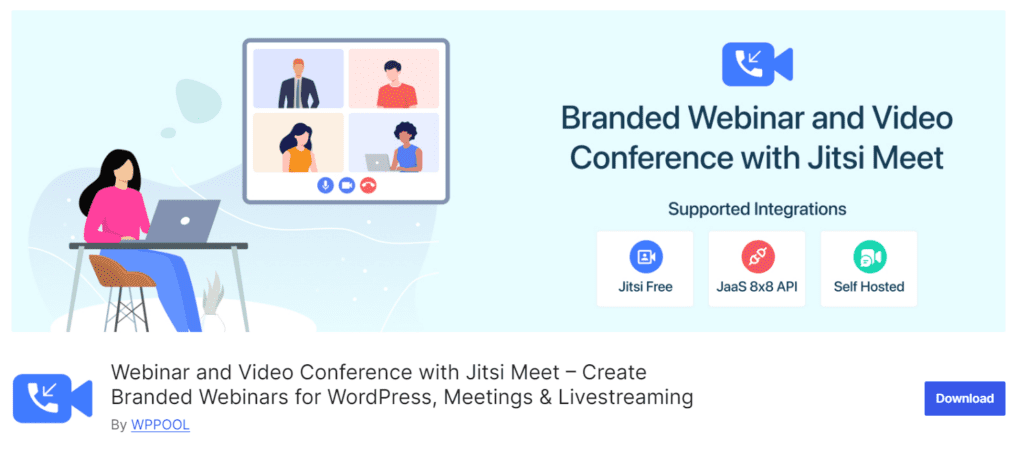
If Jitsi is your preferred conferencing platform, FlexMeeting is one of the most complete WordPress-focused options in this comparison. It is built specifically around Jitsi meetings, webinars, classes, and embedded video experiences.
Its strongest use case is when you want the meeting experience to feel closely connected to your website rather than simply sending visitors to an external meeting page.
Best for: educators, communities, webinar hosts, membership sites, and organizations that want a Jitsi-first setup.
- Create and embed Jitsi meetings in WordPress
- Use Gutenberg blocks, shortcodes, and Elementor-compatible workflows
- Support front-end meeting creation in eligible plans
- Connect with WooCommerce, LMS, booking, and multivendor workflows
- Use JaaS for supported branded meeting experiences
- Support recurring meetings, registrations, calendar integrations, and advanced meeting controls in eligible plans
Where it may not be ideal: FlexMeeting is intentionally Jitsi-centered. It is not the right fit if your organization primarily uses Zoom, Google Meet, Webex, or Microsoft Teams.
5. GoodMeet — best Google Meet plugin for WordPress
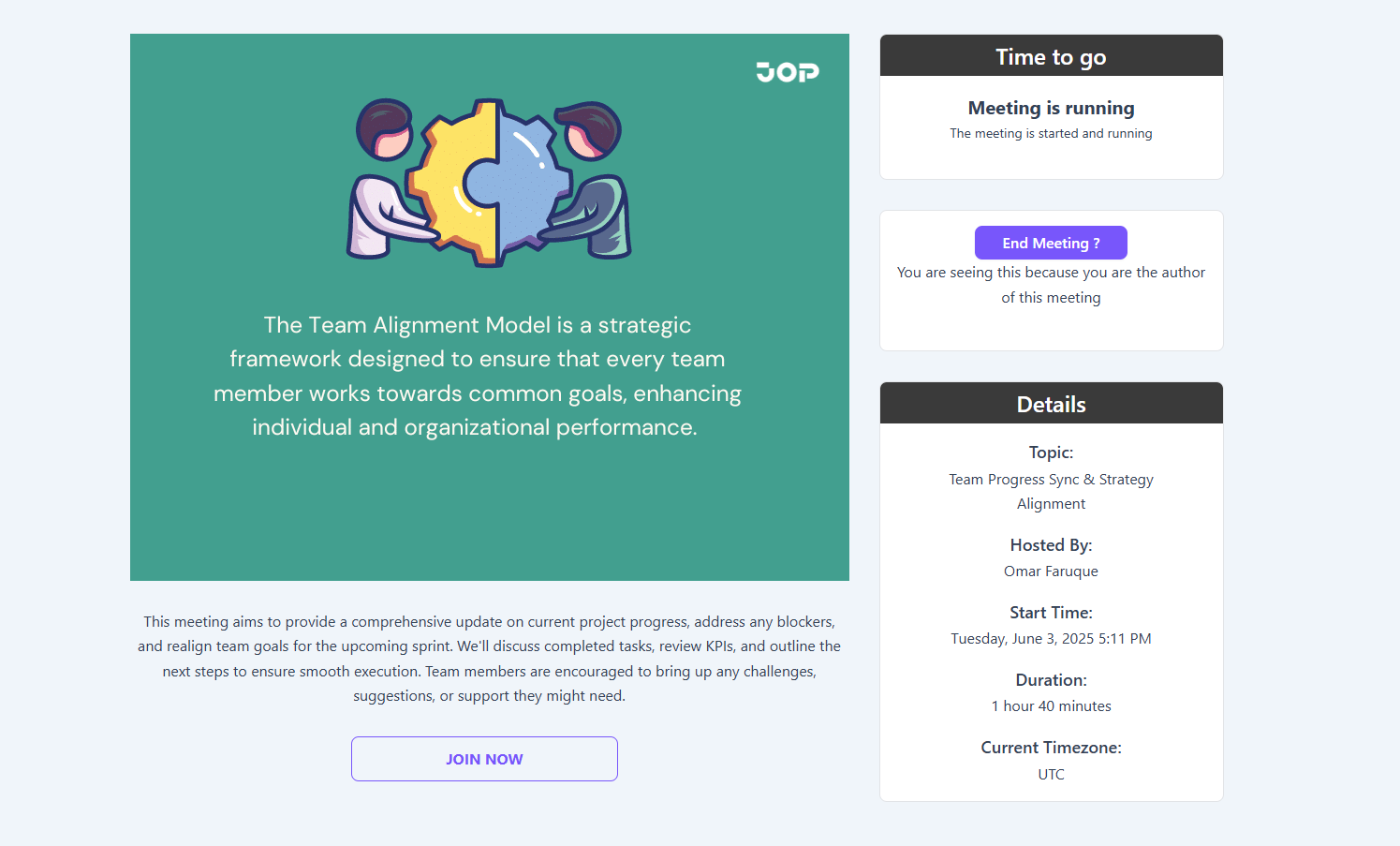
GoodMeet is built for a very clear audience: WordPress users who already rely on Google Meet and Google Calendar.
Instead of building a custom Google Calendar or Meet API workflow, GoodMeet lets you create, schedule, manage, and display Google Meet sessions from WordPress. That makes it useful for consultants, educators, coaches, appointment-based businesses, and Google Workspace users.
Best for: Google Meet-first businesses, educators, coaches, consultants, and appointment websites.
- Create and schedule Google Meet sessions from WordPress
- Connect Google Meet with Google Calendar
- Manage meeting times, reminders, visibility, and event settings
- Embed meeting information with supported shortcodes and blocks
- Connect with supported WooCommerce, booking, LMS, and multivendor workflows
Where it may not be ideal: GoodMeet is deliberately focused on Google Meet. If your site also needs Zoom, Jitsi, Webex, or Microsoft Teams, MeetingHub is the broader option.
View GoodMeet on WordPress.org or read our Google Meet integration guide for WordPress.
Bonus: ZooMeet — best Zoom-first alternative
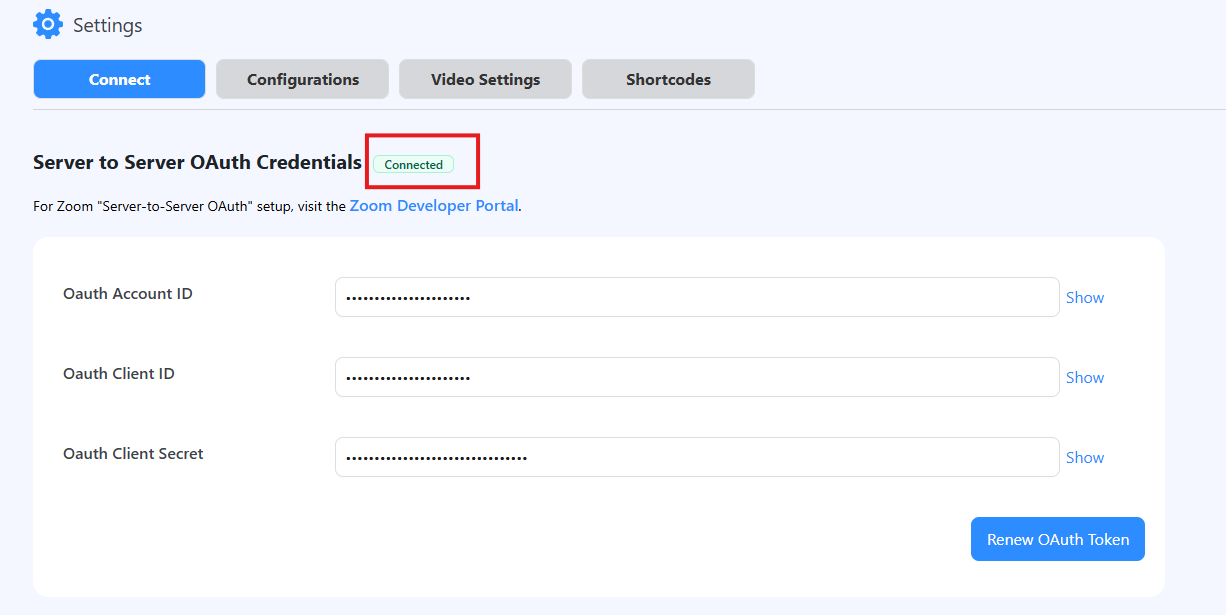
ZooMeet is worth a separate mention because it takes a different approach from MeetingHub. Instead of trying to support multiple conferencing platforms, ZooMeet focuses entirely on Zoom.
That narrower focus makes it interesting for WordPress sites that need Zoom meetings and webinars alongside booking, LMS, WooCommerce, reporting, and page-builder workflows. Its current WordPress.org listing includes WooCommerce and WooCommerce Booking support, Tutor LMS, LifterLMS, Academy LMS, LearnPress, Elementor, Gutenberg, recordings, participant reports, and multivendor integrations.
Best for: Zoom-only businesses, online educators, coaches, appointment sites, LMS websites, and marketplaces.
- Create and manage Zoom meetings and webinars from WordPress
- Sell Zoom sessions through supported WooCommerce workflows
- Automatically create meetings for supported booking workflows
- Use Gutenberg blocks, Elementor widgets, and customizable shortcodes
- Display meetings, webinars, recordings, countdowns, and custom thumbnails
- Review participant reports and meeting analytics
- Integrate Zoom with supported LMS platforms
- Support vendor-specific Zoom workflows in supported multivendor plugins
Why we call it the Zoom-first alternative: ZooMeet is not trying to replace a multi-platform tool. It is for users who know they want Zoom and want that workflow deeply connected to WordPress.
Where it may not be ideal: it is newer and has a much smaller install base than long-established Zoom plugins. Choose it for its workflow fit, not simply because it is newer.
Which plugin should you choose for your use case?
| If you need… | Start with… |
|---|---|
| One plugin for Zoom, Google Meet, Jitsi, Webex, and Microsoft Teams | MeetingHub |
| A mature dedicated Zoom plugin | Video Conferencing with Zoom |
| A newer Zoom-first option with booking and LMS workflows | ZooMeet |
| An established Zoom webinar plugin with additional platform options | eRoom |
| Google Meet + Google Calendar | GoodMeet |
| Jitsi meetings embedded into WordPress | FlexMeeting |
| Multi-platform WooCommerce meeting workflows | MeetingHub |
| Zoom-based appointments and bookings | ZooMeet |
| Multi-platform live classes and LMS workflows | MeetingHub |
What is the best Zoom plugin for WordPress?
If you want the most established Zoom-focused option in this comparison, Video Conferencing with Zoom is the obvious place to start. If you want a newer Zoom-first plugin built around bookings, LMS workflows, reports, Gutenberg, and Elementor, ZooMeet is a strong alternative. If you need Zoom plus other meeting providers, choose MeetingHub.
What is the best Google Meet plugin for WordPress?
GoodMeet is the most focused option in this comparison for Google Meet and Google Calendar. Choose it if Google Meet is your only conferencing platform. Choose MeetingHub if Google Meet is one part of a broader setup that also includes Zoom, Jitsi, Webex, or Microsoft Teams.
What is the best Jitsi Meet plugin for WordPress?
FlexMeeting is the strongest Jitsi-focused option here. It is particularly useful if you want to embed meetings into WordPress, run Jitsi-based webinars or online classes, and connect sessions with WooCommerce, LMS, booking, or multivendor workflows.
What is the best WordPress webinar plugin?
There is no universal winner because the answer depends on your webinar platform. For Zoom-only webinars, start with Video Conferencing with Zoom or ZooMeet. For Jitsi webinars, choose FlexMeeting. If your organization needs webinars across several providers, MeetingHub is the more flexible option.
What is the best meeting plugin for WooCommerce or online courses?
For a multi-platform WooCommerce or LMS setup, MeetingHub is the most flexible choice in this comparison. If your store, booking site, or course platform is entirely Zoom-based, ZooMeet is particularly relevant because of its WooCommerce, booking, and LMS integrations. FlexMeeting is a strong Jitsi-based option, while GoodMeet fits Google Meet-first learning workflows.
How to choose the right WordPress meeting plugin
Before installing anything, answer these six questions. They will usually narrow the list quickly.
- Which meeting platform do you actually use? Zoom-only users do not need a multi-platform plugin. Mixed teams often do.
- Do meetings need to happen inside WordPress? Decide whether you need embedding, meeting pages, registration, recordings, or simply a join link.
- Are you selling meetings? If you sell consultations, webinars, appointments, or classes, WooCommerce and booking integrations become much more important.
- Do you run an LMS? Check the exact LMS integration rather than assuming every meeting plugin works with every course plugin.
- Will different vendors or instructors need their own accounts? This matters for marketplaces and instructor-led platforms.
- Could your meeting provider change later? If yes, a multi-platform plugin may save you from rebuilding the workflow later.
How we evaluated these plugins
We looked at platform coverage, WordPress workflow, webinar and meeting management, WooCommerce and LMS integrations, booking and marketplace use cases, page-builder support, current WordPress.org availability, and whether each plugin solves a clearly defined problem.
Disclosure: Sovlix develops MeetingHub, GoodMeet, and ZooMeet. We include competing products because a useful comparison should recommend the tool that best fits the user’s workflow, even when that tool is not ours. Features, pricing, integrations, and active-install counts can change, so verify critical requirements before deploying any plugin to a production site.
Related WordPress meeting guides
- How to Integrate Google Meet with WordPress Using GoodMeet
- MeetingHub vs Other WordPress Meeting Plugins
- How to Add Webex Meetings to WordPress
- Microsoft Teams Integration Setup in MeetingHub
- MeetingHub, ZooMeet and WordPress meeting documentation
Final recommendation
If you want one WordPress meeting plugin that can grow with a changing conferencing stack, MeetingHub is the strongest overall choice in this comparison. If your entire workflow is built around Zoom, start with Video Conferencing with Zoom for maturity or ZooMeet for a newer Zoom-first workflow with booking and LMS integrations. Choose GoodMeet for Google Meet, FlexMeeting for Jitsi, and eRoom if you want another established Zoom-centered option.
Frequently asked questions
Can WordPress integrate with Zoom and Google Meet?
Yes. WordPress plugins can connect your site with Zoom and Google Meet for meeting creation, scheduling, display, registration, and other workflows. MeetingHub supports both platforms in one plugin.
Which WordPress plugin supports Zoom, Google Meet, Jitsi, Webex, and Microsoft Teams?
MeetingHub supports Zoom, Google Meet, Jitsi Meet, Webex, and Microsoft Teams from one WordPress plugin.
Can I embed video meetings directly in WordPress?
Yes, depending on the plugin and provider. Some plugins can embed the meeting experience, while others primarily create, schedule, list, or link to meetings hosted by the external conferencing service.
Can I sell Zoom or Google Meet sessions with WooCommerce?
Yes. Several WordPress meeting plugins support WooCommerce-related workflows for consultations, classes, appointments, webinars, and paid sessions. Always confirm which features require a paid plan or additional integration.
Do these plugins replace Zoom, Google Meet, Webex, Teams, or Jitsi?
No. These plugins connect WordPress to external conferencing services. Provider accounts, API policies, subscriptions, participant limits, and service rules still apply.
What is the best free WordPress meeting plugin?
The best free option depends on the meeting provider and features you need. Compare the current WordPress.org version of each plugin, then test the complete host and attendee workflow before using it on a live site.
Last reviewed: August 26, 2026. Features, pricing, integrations, active installations, and external-service requirements may change over time.

Budi Santoso
Setuju banget dengan poin-poin di sini. Recommended untuk yang lagi cari referensi.
Gita Permata
Informasi yang dibutuhkan banyak orang. Bookmark dulu untuk dibaca ulang.
Gita Permata
Tulisannya jelas dan mudah dipahami. Lanjutkan kontennya gan!
Sovlix
@Budi Santoso Thank you so much! We’re glad you found the article helpful and worth recommending.
Sovlix
@Gita Permata Thank you! We’re happy you found the information valuable. We hope it remains useful when you revisit it.
Sovlix
@Gita Permata Thank you for the encouragement! We’ll continue creating more clear and helpful content.
Google Meet Integration in WordPress with GoodMeet
[…] GoodMeet is built specifically for Google Meet. If your website needs several meeting platforms in one plugin, compare it with MeetingHub. You can also read our guide to the best WordPress meeting plugins. […]
5 Best Zoom Plugins for WordPress in 2026 (Meetings, Webinars & Bookings) | Sovlix
[…] For a broader comparison, read our guide to the best WordPress meeting plugins in 2026. […]
5 Best Zoom Plugins for WordPress in 2026 | Meetings & Webinars
[…] In that case, MeetingHub is the broader option because it supports multiple meeting providers from one WordPress workflow. For the full market comparison, read our guide to the best WordPress meeting plugins in 2026. […]